01 / Start the day
Lights and a gentle prompt
A spoken request can switch on a connected light, read the day's weather and give a medication reminder at the agreed time.
"Good morning. Turn on the living room light."
If a device needs an app, three menus and a password, many seniors will stop using it. K. S. Sembawang Digital Care Pte Ltd sets up a voice assistant for seniors in Singapore, so everyday home controls and reminders start with a spoken request.
Keep your hands free. Ask for help without reaching for a phone.
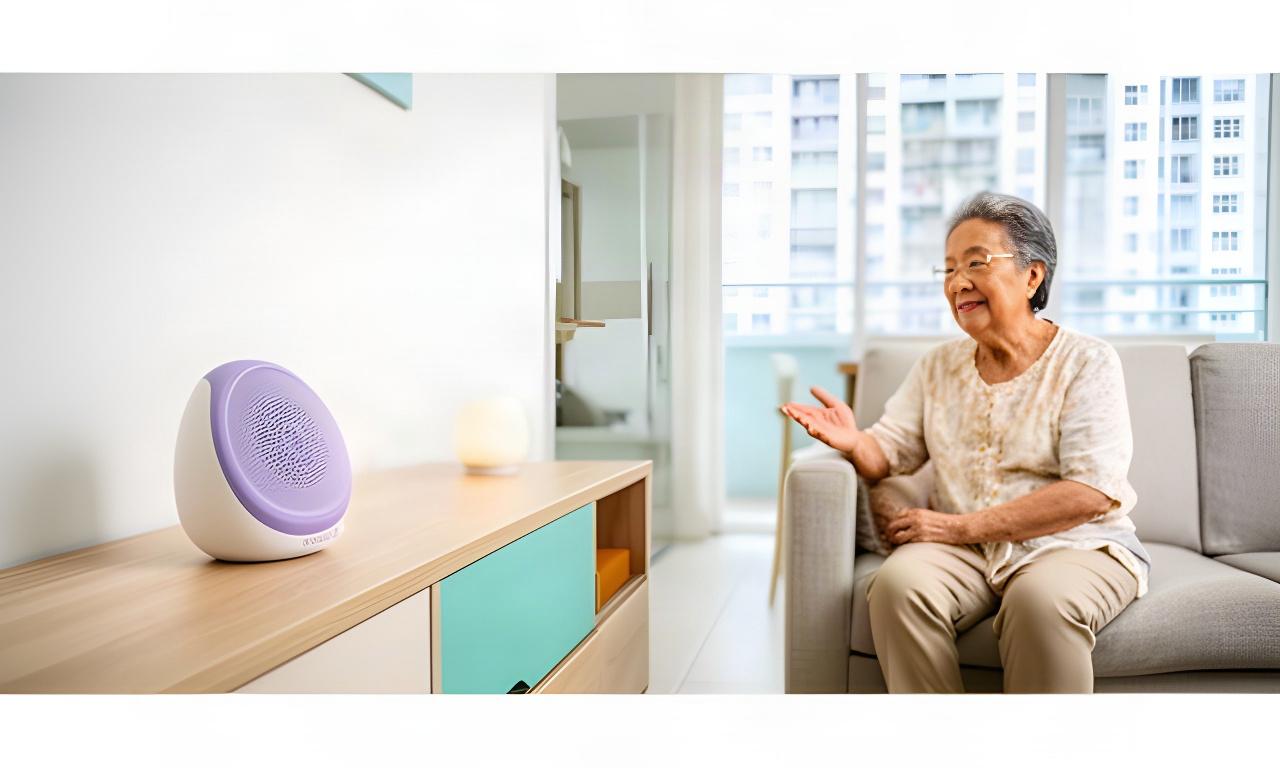
Family members can set up phrases around the senior's existing routine. Choose a time of day to see how a voice-first home can help.
A spoken request can switch on a connected light, read the day's weather and give a medication reminder at the agreed time.
"Good morning. Turn on the living room light."
Keep prompts short and familiar. A caregiver can help set the wording and timing to suit the household.
"Your morning appointment is at ten."
Control supported lights and appliances by voice, with a spoken confirmation when the request is carried out.
"Turn off the kitchen light."
A configured voice prompt can help the senior call for assistance without reaching across the room for a device.
"Call my family contact."
Choose the feedback that works for the person using the system. Voice and visual settings can be adjusted with a caregiver during setup.
For someone who finds small text difficult to read, spoken guidance can make device status and reminders easier to follow.
For someone who may miss spoken prompts, pair voice control with visible cues that are easier to notice around the home.
The setup should fit the languages people actually use at home. A caregiver can help choose the assistant's main language and keep its prompts consistent for the senior.
Family members and helpers can learn the same controls. Preferences can be reviewed later if the household's needs change.
Keep the experience steady. Too many phrases can make simple tasks harder.
This selector is a preview. Available languages and voice features depend on the selected assistant and will be confirmed before setup.
Start with one assistant and add devices only when the household is comfortable. Select a flat type for practical placement considerations.
Keep the assistant near the main living area, where the senior can speak comfortably and hear a response without crossing the room.
Book a home demonstration with the senior involved. We can walk through spoken commands, visual alerts, reminders and the available emergency prompts in the rooms where they will be used.
Test simple phrases for supported lights and everyday controls.
Check prompt wording, timing, volume and visible notifications.
Agree who will help configure preferences and learn the controls.